Cloud Backup Solutions for South Florida SMBs in 2026
Data is one of the most valuable assets your Miami-area business owns — and one of the most vulnerable. Ransomware attacks, hardware failures, human error, and South Florida's hurricane season all pose serious threats to your critical files and systems. Without a reliable cloud backup solution in place, a single incident can mean hours or days of downtime, regulatory penalties, and irreversible data loss.
At MY IT BRAIN, we help small and medium-sized businesses across Miami-Dade, Broward, and Palm Beach counties implement robust, scalable cloud backup strategies that keep data protected and recoverable — no matter what happens. In this guide, we break down everything you need to know about cloud backup solutions in 2026.
Why Cloud Backup Matters More Than Ever in 2026
The cybersecurity and infrastructure landscape has shifted dramatically. According to the National Institute of Standards and Technology (NIST), organizations should follow the 3-2-1 backup rule: maintain at least three copies of data, stored on two different media types, with one copy offsite — precisely what cloud backup delivers.
For South Florida businesses, the stakes are especially high:
- Hurricane and weather risk: Miami-Dade and Broward counties face annual storm seasons that can damage on-premise hardware.
- Rising ransomware threats: Cybercriminals increasingly target SMBs, knowing they often lack enterprise-level defenses.
- Remote and hybrid work: With employees working across South Florida and beyond, cloud-accessible backups are no longer optional — they're essential.
- Compliance requirements: Industries like healthcare (HIPAA), finance (SOX), and retail (PCI-DSS) require documented, verifiable data backup processes.
Simply put, local tape drives and external hard disks are no longer sufficient for businesses that want real protection.
Key Features to Look for in a Cloud Backup Solution
Not all cloud backup platforms are created equal. When evaluating options for your Miami or South Florida business, prioritize these critical features:
Automated, Continuous Backups
Manual backups get forgotten. Look for solutions that run automatically on a defined schedule — or even continuously — so no recent data is ever at risk.
Versioning and Point-in-Time Recovery
A quality cloud backup solution retains multiple versions of files over time. If ransomware silently encrypts your data for weeks before triggering, you need the ability to roll back to a clean snapshot from days or weeks prior.
End-to-End Encryption
Your backup data should be encrypted both in transit and at rest. This protects sensitive business and customer information from interception and unauthorized access.
Rapid Recovery Time Objectives (RTO)
A backup is only as good as how fast you can restore from it. Enterprise-grade cloud backup platforms offer near-instant recovery for virtual machines and file systems, minimizing costly downtime.
Scalability
As your Miami business grows, your backup needs grow too. Cloud solutions scale on demand — no need to purchase new hardware every time your data footprint expands.
Compliance Reporting
For regulated industries, your backup provider should offer detailed logs and compliance reports to satisfy auditors and regulatory bodies.
Cloud Backup vs. Traditional Backup: A 2026 Comparison
Many South Florida businesses still rely on aging on-premise backup systems. Here's how traditional methods stack up against modern cloud backup solutions:
| Feature | Traditional (On-Premise) | Cloud Backup | |---|---|---| | Offsite protection | Requires manual transport | Automatic & continuous | | Scalability | Hardware limited | Virtually unlimited | | Disaster recovery speed | Hours to days | Minutes to hours | | Hurricane/disaster resilience | High risk | Geographically redundant | | Cost model | High upfront CapEx | Predictable monthly OpEx | | IT management overhead | High | Low (managed service) |
For most SMBs in Miami-Dade, Broward, and Palm Beach, cloud backup delivers superior protection at a lower total cost of ownership — especially when managed by a trusted local IT partner.
How MY IT BRAIN Delivers Cloud Backup for Miami-Area Businesses
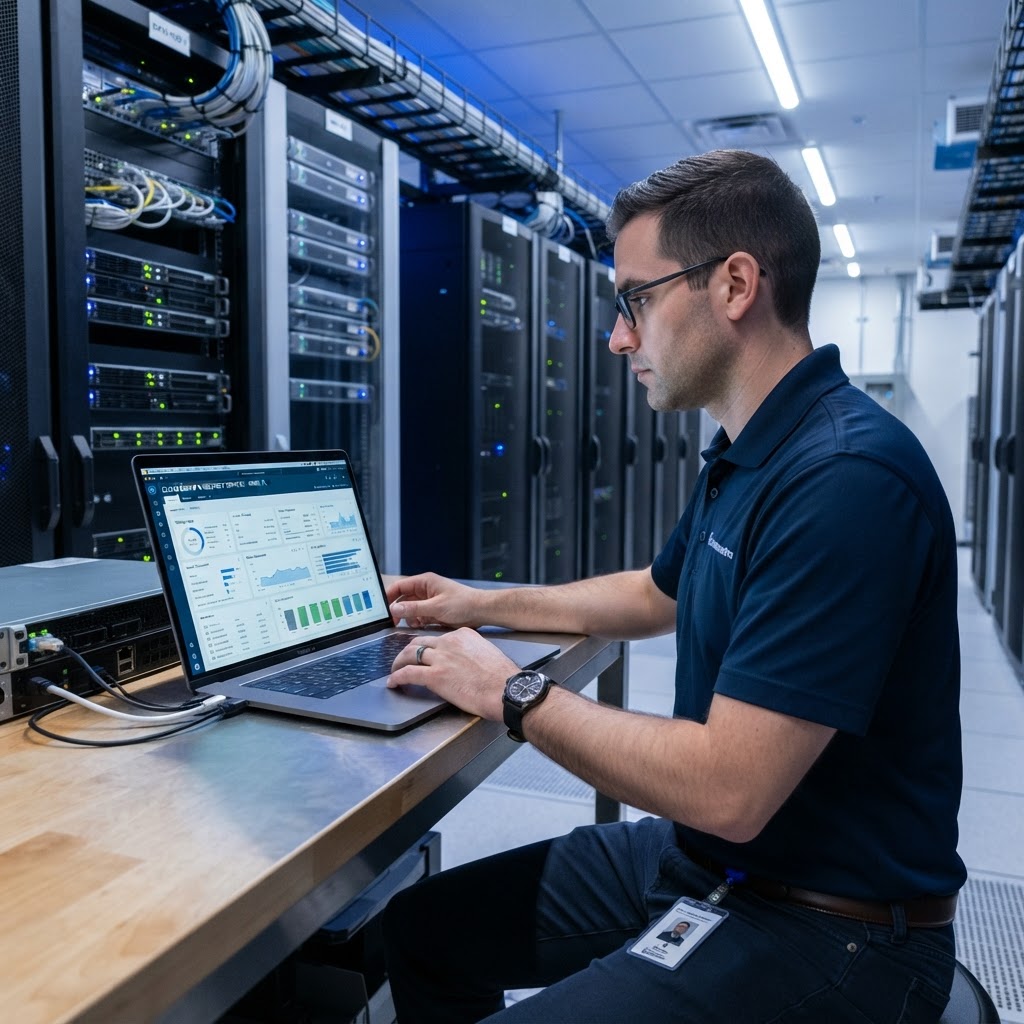
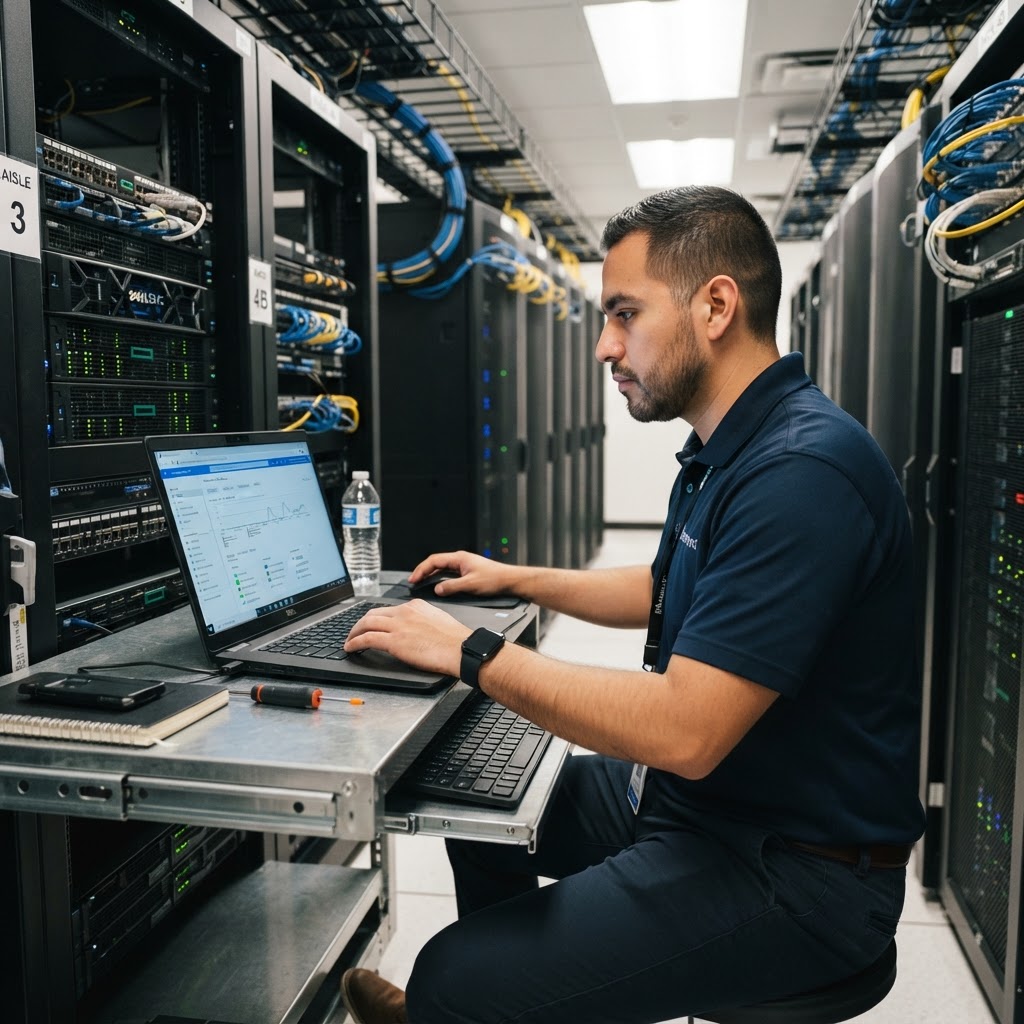
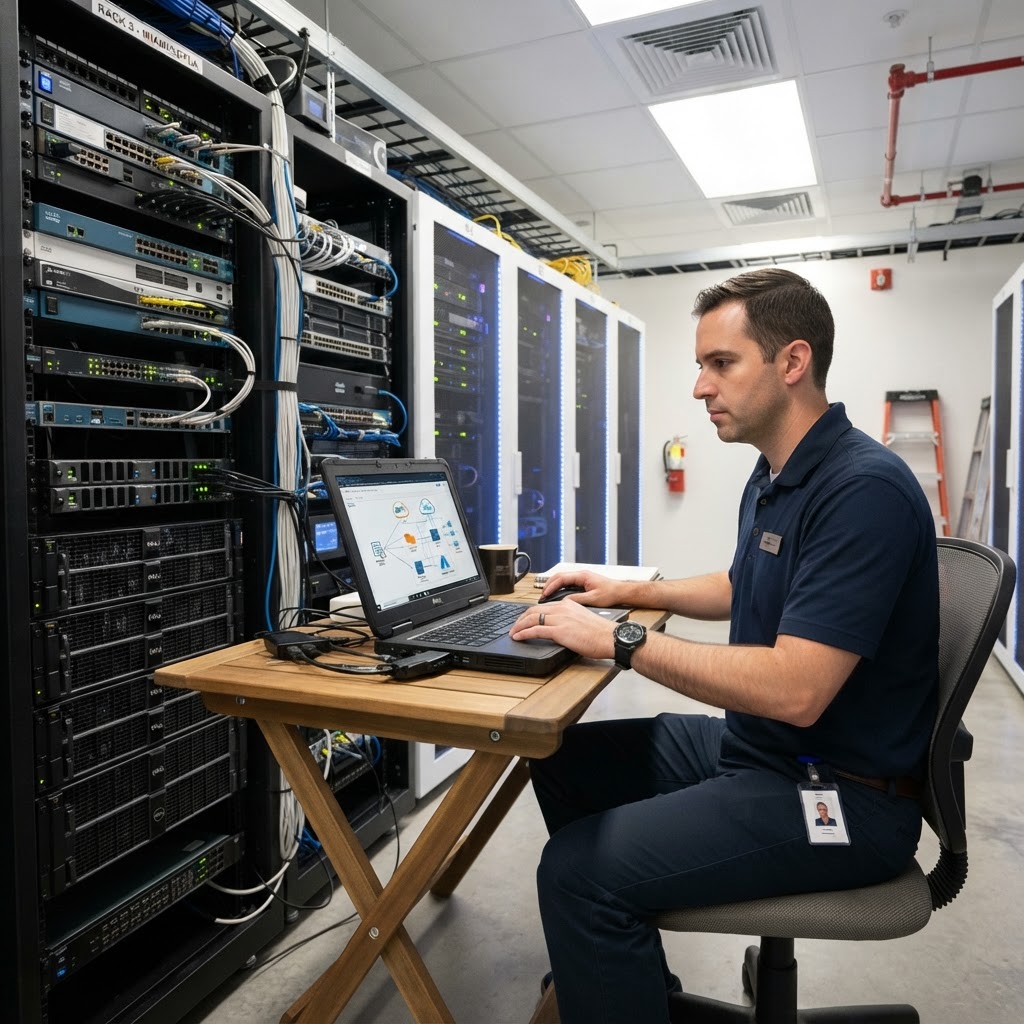
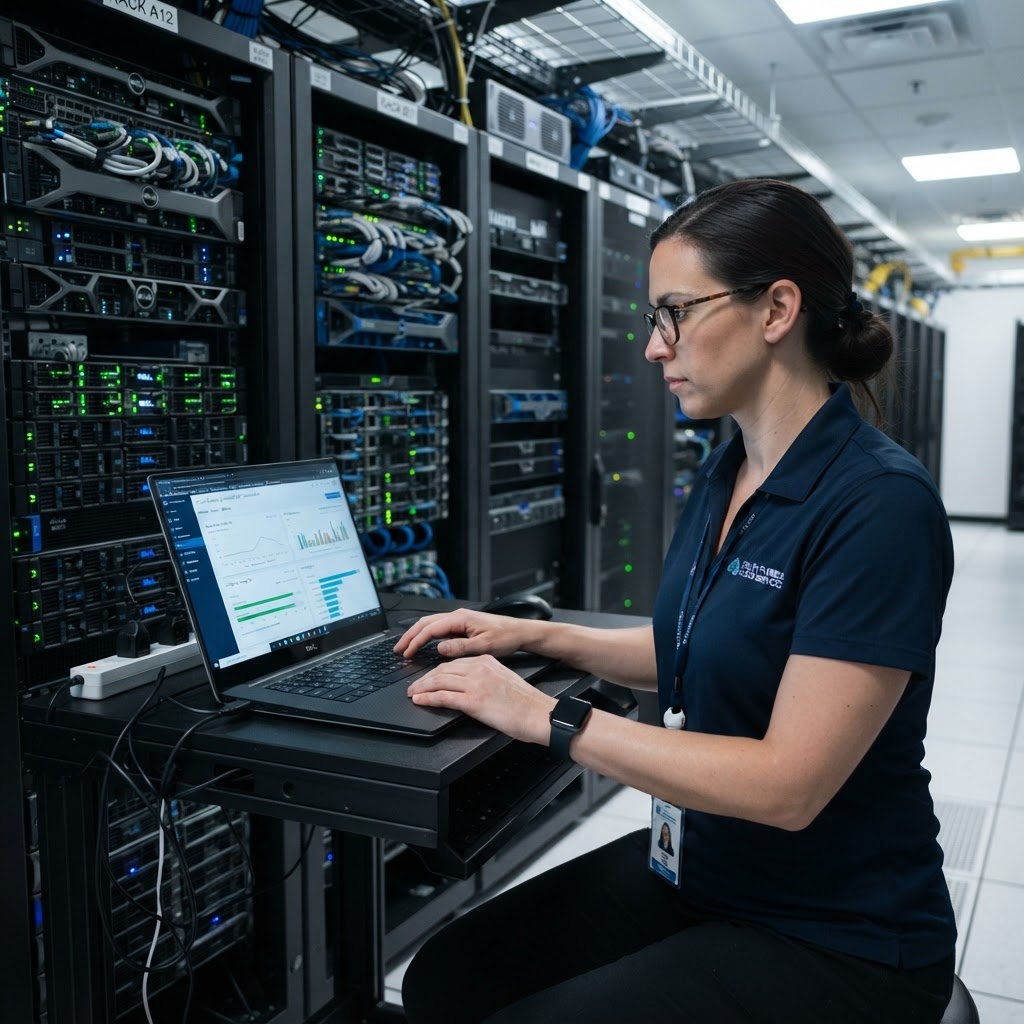
At MY IT BRAIN, cloud backup is not a standalone product — it's part of a comprehensive managed IT strategy. We design, deploy, and actively monitor backup environments for businesses across South Florida, ensuring your data is always protected and recoverable.
Our Cloud Backup Approach Includes:
- Assessment and planning: We audit your current data environment, identify critical systems and recovery priorities, and build a tailored backup policy.
- Platform selection: Depending on your needs, we implement leading solutions including Microsoft Azure Backup, cloud-integrated appliances, and hybrid backup architectures.
- Monitoring and alerting: Our team monitors backup jobs 24/7 and responds immediately to failures — so you don't discover a broken backup in the middle of a crisis.
- Regular restore testing: We verify backups actually work by performing scheduled test restores, so you have confidence in your recovery capability.
- Disaster recovery planning: Beyond backup, we help Miami businesses document full disaster recovery (DR) plans aligned with industry frameworks.
According to Microsoft, businesses that implement structured backup and disaster recovery strategies reduce downtime impact by up to 79% compared to those without formal plans. That's the difference between a minor disruption and a business-ending event.
Our cloud backup services integrate seamlessly with your broader IT infrastructure. If your South Florida business needs reliable internet connectivity to support cloud operations, our connectivity and internet solutions ensure you have the bandwidth and redundancy required for fast, dependable backups and restores.
Cloud Backup and Physical Security: A Holistic Approach
Cloud backup protects your data from digital threats — but physical security threats to your server rooms, office hardware, and network equipment are equally real. Unauthorized physical access to your infrastructure can lead to data theft, sabotage, or hardware damage that triggers the very disasters your backup is designed to recover from.
That's why we recommend pairing your cloud backup strategy with modern access control solutions to restrict and monitor who can physically interact with your critical IT infrastructure. Together, these layers create a defense-in-depth posture that addresses both digital and physical risk vectors.
The Future of Cloud Backup: AI-Powered Data Protection
In 2026, artificial intelligence is fundamentally changing how cloud backup and data protection work. AI-powered backup platforms can now:
- Detect anomalous backup behavior that may indicate ransomware activity before it spreads
- Predict storage needs and automatically scale capacity
- Prioritize recovery of the most critical systems first during a disaster event
- Flag compliance gaps in real time before they become audit findings
MY IT BRAIN integrates AI-driven tools into our managed services stack, including backup and data protection workflows. If you're curious how automation and AI can further streamline and strengthen your business operations, explore our AI automation and business intelligence services.
AI-enhanced backup is not just for enterprise companies — South Florida SMBs can access these capabilities today through our managed service delivery model, at a fraction of what it would cost to build in-house.
What South Florida Businesses Should Do Right Now
If your Miami-area business doesn't have a verified, working cloud backup solution in 2026, here's your immediate action plan:
- Audit your current backup status — Do you have one? When was it last tested?
- Identify your critical data and systems — What would stop operations if it disappeared?
- Define your recovery objectives — How much data can you afford to lose (RPO)? How fast do you need to be back up (RTO)?
- Partner with a local managed IT provider — A South Florida-based partner like MY IT BRAIN understands your local risk environment, compliance landscape, and can respond on-site when needed.
- Test your backups regularly — Schedule quarterly restore tests to validate your recovery capability.
Don't wait for a hurricane, ransomware attack, or hardware failure to discover your backup wasn't working. The cost of prevention is always a fraction of the cost of recovery.
Protect Your Miami Business Data — Talk to MY IT BRAIN Today
MY IT BRAIN has helped dozens of businesses across Miami-Dade, Broward, and Palm Beach implement cloud backup solutions that are reliable, secure, and built for South Florida's unique risk environment. Whether you're starting from scratch or looking to upgrade an aging system, our team is ready to design a solution that fits your business and your budget.
Don't leave your data to chance. Contact our team today for a complimentary cloud backup assessment and discover how MY IT BRAIN can give you the peace of mind that comes from knowing your data is always protected.
👉 Schedule Your Free Cloud Backup Assessment →
MY IT BRAIN | Doral, FL | Serving Miami-Dade, Broward & Palm Beach Counties
Frequently Asked Questions
Ready to Upgrade Your IT?
Talk to our South Florida IT experts about your business challenges. Free consultation, no commitment.
Get a Free Consultation