Data Backup Miami: The 2026 Guide Every South Florida SMB Needs
Data loss doesn't announce itself. It arrives as a ransomware attack on a Tuesday morning, a flooded server room during hurricane season, or a well-meaning employee who deletes the wrong folder. For small and medium-sized businesses across Miami-Dade, Broward, and Palm Beach counties, the question is no longer if a data incident will occur — it's when, and whether your business will survive it.
In 2026, data backup in Miami is no longer a checkbox on an IT to-do list. It is a core pillar of business continuity, regulatory compliance, and competitive resilience. This guide breaks down what modern data protection looks like, what risks South Florida businesses face, and how to build a backup strategy that actually works.
Why Data Backup Is a Business-Critical Priority in Miami
South Florida's business environment comes with unique risks that make data protection especially critical:
- Hurricane season: Every year, the Atlantic hurricane season threatens power outages, flooding, and physical infrastructure damage across Miami-Dade and surrounding counties. Hardware destroyed in a storm means data destroyed without off-site backups.
- Ransomware targeting SMBs: According to NIST's cybersecurity guidance (opens in a new tab), ransomware remains one of the top threats to small businesses, with attackers increasingly targeting firms that lack enterprise-grade defenses.
- Human error: Studies consistently show that accidental deletion and employee mistakes account for a significant share of data loss events.
- Compliance requirements: Industries such as healthcare (HIPAA), finance (GLBA), and legal services operating in Miami must maintain documented data protection practices or face steep penalties.
Ignoring data backup is a gamble that most Miami businesses cannot afford to take. The average cost of downtime for an SMB now exceeds thousands of dollars per hour — a figure that grows every year.
Understanding the 3-2-1 Backup Rule (and Why It Still Applies in 2026)
The most widely recommended data backup framework is the 3-2-1 rule, endorsed by security authorities including NIST and the Cybersecurity and Infrastructure Security Agency (CISA):
- 3 copies of your data
- 2 stored on different media types (e.g., local NAS and cloud)
- 1 stored off-site or in the cloud
For Miami businesses, the "off-site" component is non-negotiable. Keeping all backups on-premises in a Doral office or a Brickell law firm means a single event — fire, flood, or theft — can wipe out your data and your backups simultaneously.
In 2026, many security professionals recommend extending this to a 3-2-1-1-0 model:
- An additional 1 air-gapped or immutable copy (protected from ransomware)
- 0 errors verified through regular restore testing
Immutable backups — copies that cannot be altered or deleted, even by an administrator — have become a best practice against modern ransomware strains that specifically target and encrypt backup files.
Cloud Backup vs. Local Backup: What's Right for Your South Florida Business?
One of the most common questions Miami SMBs ask is whether to rely on local backup, cloud backup, or both. The honest answer: both, in the right combination.
Local (On-Premises) Backup
- Pros: Fast restore speeds, no internet dependency for recovery, full control
- Cons: Vulnerable to physical threats (storms, theft, fire), requires hardware investment and maintenance
- Best for: Businesses with large data sets that need rapid local recovery
Cloud Backup
- Pros: Off-site by nature, scalable, accessible from anywhere, often automated
- Cons: Recovery speed depends on internet bandwidth; ongoing subscription costs
- Best for: Businesses prioritizing disaster recovery and geographic redundancy
Microsoft Azure Backup (opens in a new tab), for example, offers SMB-friendly tiers with geo-redundant storage, meaning your Miami business data is replicated across multiple data centers — a critical advantage during regional weather events.
At MY IT BRAIN, we help Doral, Miami, and greater South Florida businesses design hybrid backup architectures that combine the speed of local recovery with the resilience of cloud redundancy. This ties directly into our broader managed IT and business technology management approach — where data protection is built into your overall IT strategy, not bolted on as an afterthought.
Key Features to Look for in a Managed Backup Solution
Not all backup solutions are created equal. When evaluating data backup for your Miami business, prioritize the following:
Automated, Scheduled Backups
Manual backups are unreliable. Your solution should run automatically at defined intervals — daily at minimum, more frequently for mission-critical data.
Verified Restore Testing
A backup you've never tested is a backup you can't trust. Regular restore drills confirm your data is actually recoverable when you need it.
Ransomware Protection (Immutable Storage)
Look for solutions that offer immutable or air-gapped backup copies that ransomware cannot reach or encrypt.
Encryption In-Transit and At-Rest
All backup data should be encrypted both while being transmitted and while stored. This is especially important for healthcare, legal, and financial firms operating in Miami under compliance mandates.
Retention Policies That Match Your Compliance Needs
Different industries have different data retention requirements. Your backup solution should support configurable retention windows — 30 days, 90 days, 7 years — depending on your regulatory environment.
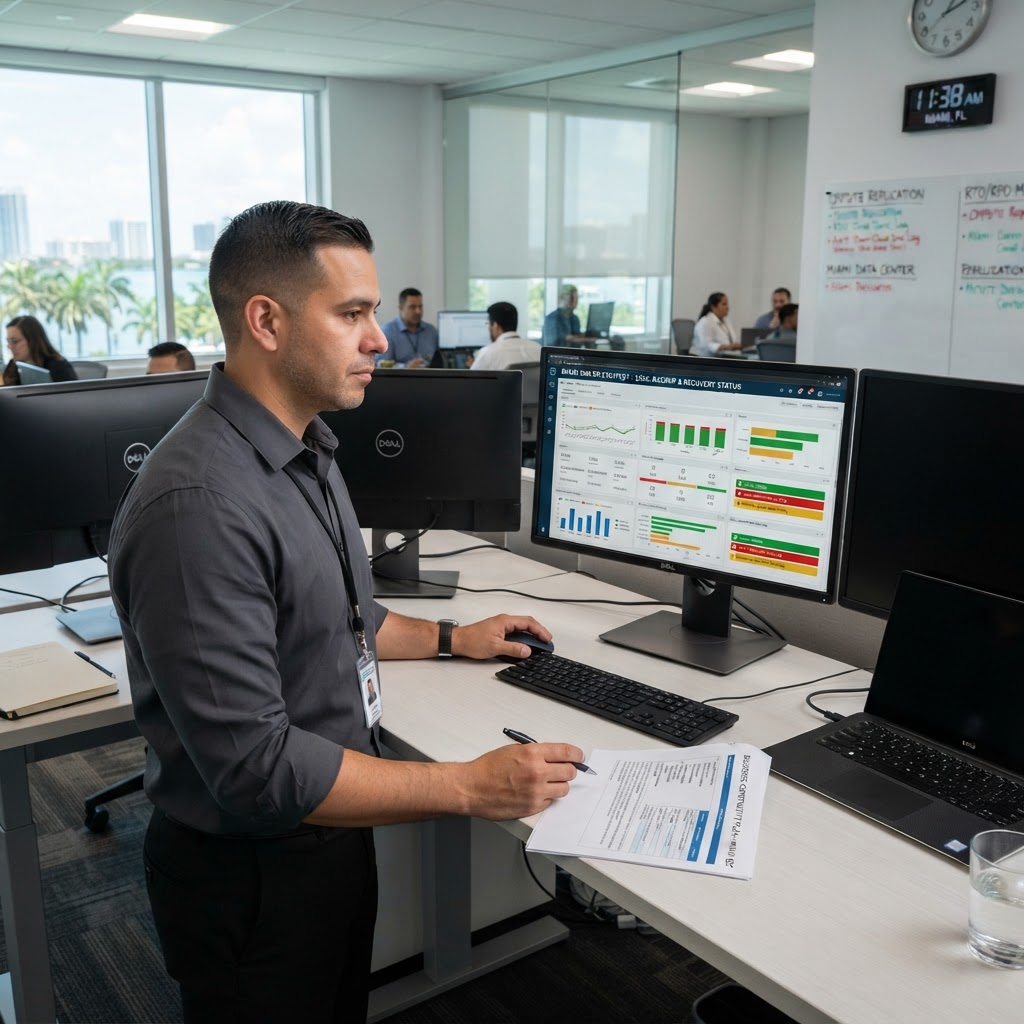
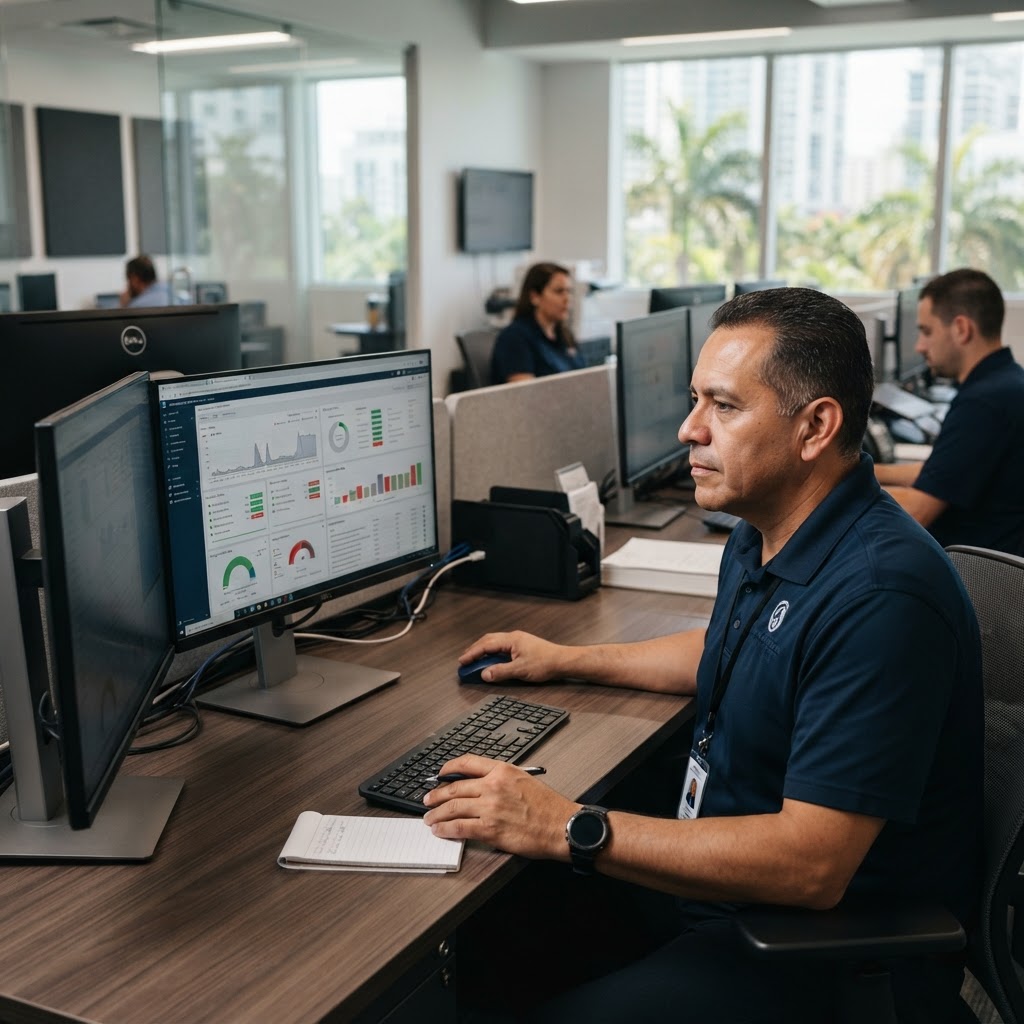
Centralized Monitoring and Alerting
Your IT team or managed service provider should receive real-time alerts if a backup fails, so problems are caught and corrected before a disaster strikes.
Proper backup infrastructure often intersects with your broader network setup. A poorly designed network can slow backup performance and create vulnerabilities. Our network infrastructure services ensure your Miami business has the bandwidth, segmentation, and reliability that a solid backup strategy requires.
Disaster Recovery vs. Data Backup: Know the Difference
These two terms are often used interchangeably, but they describe different things — and your business needs both.
Data backup is the process of copying and storing your data so it can be restored after a loss event.
Disaster recovery (DR) is the broader plan for how your business resumes operations after a disruption — including which systems come back first, in what order, and within what timeframe.
Key disaster recovery metrics every Miami SMB should understand:
- RTO (Recovery Time Objective): How long can your business afford to be down? Two hours? Two days? Your RTO defines your recovery speed target.
- RPO (Recovery Point Objective): How much data can you afford to lose? If your RPO is 4 hours, you need backups running at least every 4 hours.
Without a documented DR plan, even a solid backup can leave your business scrambling. MY IT BRAIN works with South Florida businesses to define both RTO and RPO targets and align your backup infrastructure accordingly — all as part of a managed IT engagement.
Physical Security and Data Protection: A Often-Overlooked Connection
Data backup is primarily thought of as a software and cloud concern, but physical security plays a critical role. An unsecured server room or an unauthorized visitor with access to on-premises hardware can compromise your data just as effectively as a cyberattack.
For Miami businesses with on-site servers or network-attached storage (NAS) devices, physical protections matter:
- Locked server rooms with access control systems
- CCTV monitoring of IT infrastructure areas
- Visitor management and badge access logs
Our physical security services — including CCTV and access control installations — help South Florida businesses protect the hardware that stores and processes their critical data. A layered approach to security means your data is protected at every level: physical, network, and cloud.
Building a Data Backup Strategy for Your Miami Business: Where to Start
If you're unsure where your business stands today, start with these steps:
- Audit your current data: Know what data you have, where it lives, and how critical it is to operations.
- Identify your risks: Consider your industry, your compliance requirements, and South Florida's specific environmental threats.
- Define your RTO and RPO: Set realistic recovery targets before selecting any tools.
- Choose your backup architecture: Local, cloud, or hybrid — based on your data volume, budget, and recovery needs.
- Test your backups regularly: Schedule quarterly restore tests at minimum.
- Document your disaster recovery plan: A written, tested DR plan is worth more than any single technology.
- Partner with a managed IT provider: For most Miami SMBs, managing this in-house is neither practical nor cost-effective.
Protect Your Miami Business Data with MY IT BRAIN
Data backup isn't just an IT issue — it's a business survival issue. South Florida businesses face hurricane season, evolving cyber threats, and growing compliance demands all at once. A reactive approach is no longer viable.
MY IT BRAIN provides fully managed data backup and disaster recovery solutions for small and medium-sized businesses across Miami-Dade, Broward, and Palm Beach counties. We assess your current environment, design a backup strategy tailored to your business, and monitor your backups around the clock — so you can focus on running your business, not worrying about your data.
Ready to build a data protection strategy that actually works?
Contact MY IT BRAIN today to schedule a free IT assessment and learn how we can safeguard your Miami business data in 2026 and beyond.
Frequently Asked Questions
Ready to Upgrade Your IT?
Talk to our South Florida IT experts about your business challenges. Free consultation, no commitment.
Get a Free Consultation