When Basic WiFi Stops Working for Your Business
Every Miami business starts with a simple router and WiFi setup. For a 5-person office, it's fine. But as your team grows, the meeting rooms multiply, and everyone brings 3–5 devices to work, that simple setup becomes a liability.
The symptoms are familiar: video calls dropping, WiFi dead zones in conference rooms, complaints about slow speeds in certain areas, and security gaps you're not aware of.
Enterprise WiFi design solves these problems systematically.
Consumer vs. Enterprise WiFi: The Real Difference
| Factor | Consumer/SMB Router | Enterprise WiFi | |---|---|---| | Coverage | Single device | Multiple APs, planned placement | | Capacity | 10–20 devices | Hundreds of devices per AP | | Management | Browser UI, manual | Cloud-managed, centralized | | Security | Basic WPA2 | VLANs, 802.1X, segmentation | | Reliability | Reboots required | 99.99% uptime, failover | | Visibility | None | Per-device usage, analytics |
The Ubiquiti UniFi Platform: Our Recommendation for Miami SMBs
For South Florida businesses needing enterprise-grade WiFi without enterprise-level pricing, Ubiquiti's UniFi platform is our consistent recommendation. As UniFi Certified Integrators, we've deployed hundreds of UniFi installations across Miami-Dade, Broward, and Palm Beach.
Why UniFi:
- Professional-grade hardware at SMB-friendly prices
- Centralized cloud management for all sites
- Seamless roaming across multiple APs (no dropped calls during movement)
- VLAN support for network segmentation
- Excellent analytics and visibility
- Active product development and support
Enterprise WiFi Design Principles
1. RF Site Survey
Before placing any hardware, an RF survey maps coverage, interference, and signal strength throughout the space. This identifies:
- Optimal AP placement for coverage and capacity
- Sources of interference (neighboring networks, microwave ovens, Bluetooth)
- Physical obstacles (concrete walls, elevator shafts) that affect signal propagation
2. AP Density Planning
More APs is not always better — too many APs cause channel interference. Calculate AP density based on:
- Square footage and floor plan complexity
- Expected device density (typically 20–30 active devices per AP is optimal)
- High-density areas (conference rooms, open floor plans)
3. Channel Planning
Minimize co-channel interference by assigning non-overlapping channels to adjacent APs:
- 2.4 GHz: Channels 1, 6, 11 only
- 5 GHz: More channel options — use wider channels (80 MHz) for throughput
- 6 GHz (WiFi 6E): Cleanest spectrum, ideal for high-density deployments
4. Network Segmentation
Enterprise WiFi enables multiple SSIDs mapped to different VLANs:
- Corporate SSID: Full network access for company devices
- Guest SSID: Internet-only, isolated from corporate
- IoT SSID: Cameras, printers, smart devices isolated
5. Seamless Roaming
Employees moving through the office should never drop a video call. Enterprise APs hand off clients seamlessly using:
- 802.11r (Fast BSS Transition)
- 802.11k (Neighbor Reports)
- 802.11v (BSS Transition Management)
WiFi 6 and WiFi 6E: Is It Worth Upgrading?
WiFi 6 (802.11ax) and WiFi 6E offer significant advantages for dense environments:
- Higher throughput (up to 9.6 Gbps theoretical)
- OFDMA technology serves multiple clients simultaneously
- Better performance in crowded RF environments
- WiFi 6E adds 6 GHz band — clean spectrum, less interference
Recommendation: New installations should use WiFi 6 hardware. WiFi 6E is worth it for high-density environments (conference centers, large open offices).
MY IT BRAIN's WiFi Practice
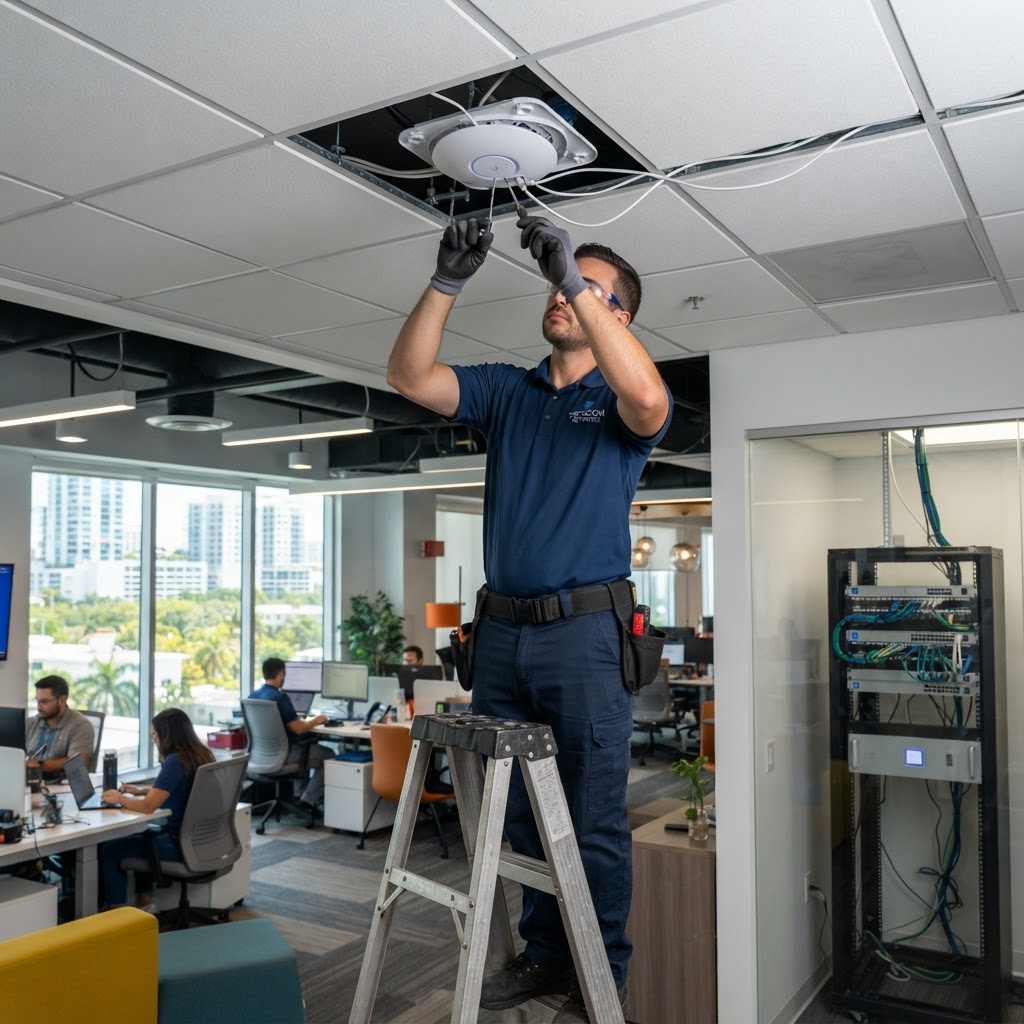
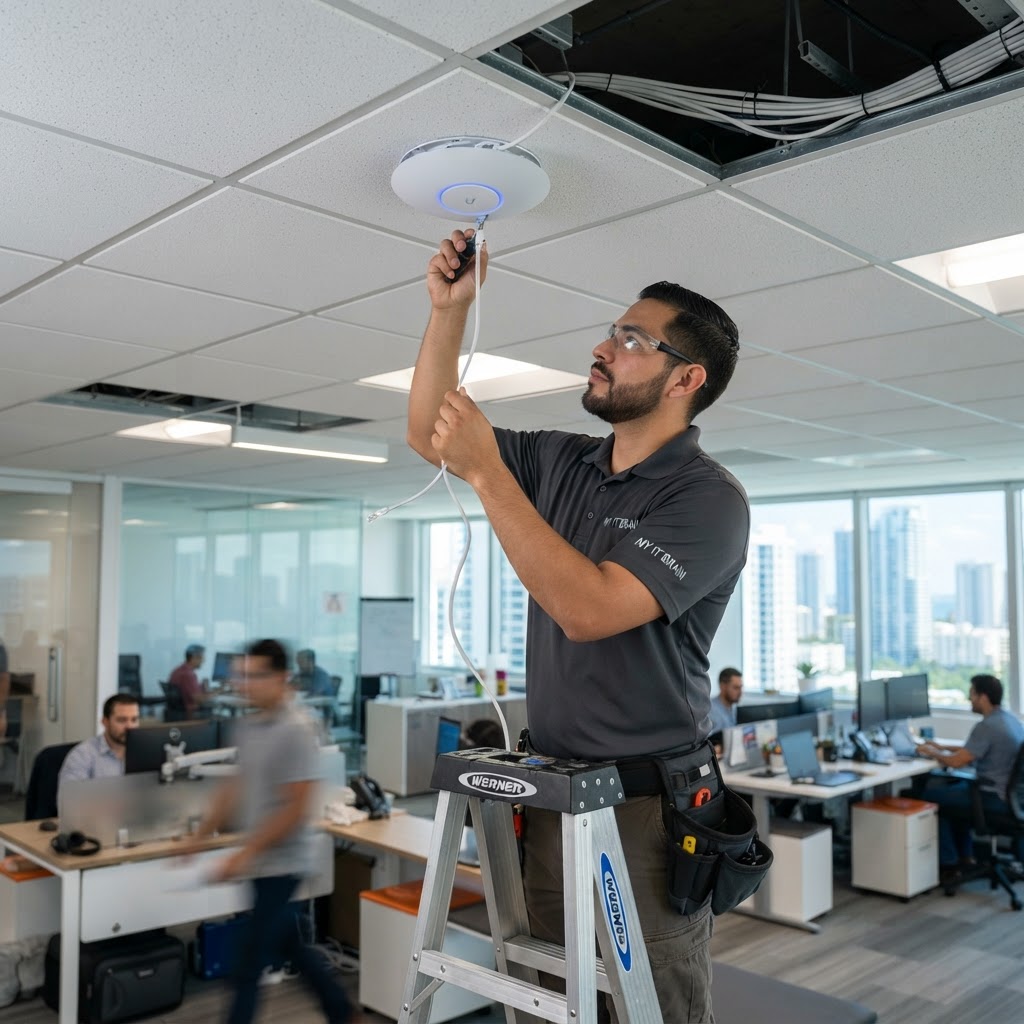
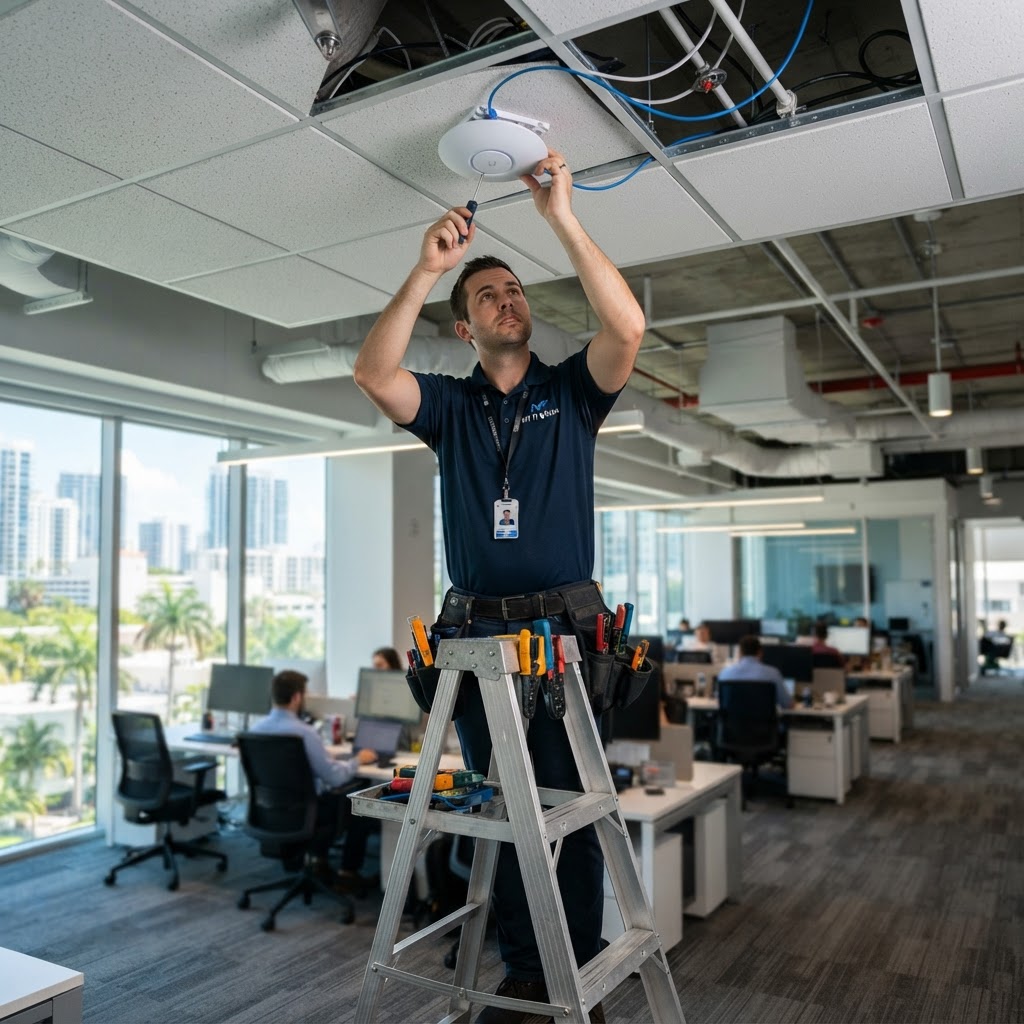
As UniFi Certified Integrators, we design and install enterprise WiFi systems for offices, commercial buildings, and multi-site organizations across South Florida. Our Network Infrastructure practice includes RF surveys, design, installation, and ongoing support.
Contact MY IT BRAIN for a free WiFi assessment of your Miami office.
Frequently Asked Questions
Ready to Upgrade Your IT?
Talk to our South Florida IT experts about your business challenges. Free consultation, no commitment.
Get a Free Consultation