The Hidden Cost of Poor IT Support
Every minute an employee waits for IT help is a minute of lost productivity. For a 25-person Miami business where the average fully-loaded employee cost is $50/hour, a 2-hour IT issue costs $100 in lost productivity — before accounting for the IT labor to fix it.
Multiply that across your team and across a year, and poor IT support becomes a significant drag on business performance. This guide covers how to structure IT helpdesk operations to minimize both downtime and cost.
The IT Support Maturity Levels
Level 1: Reactive Break-Fix
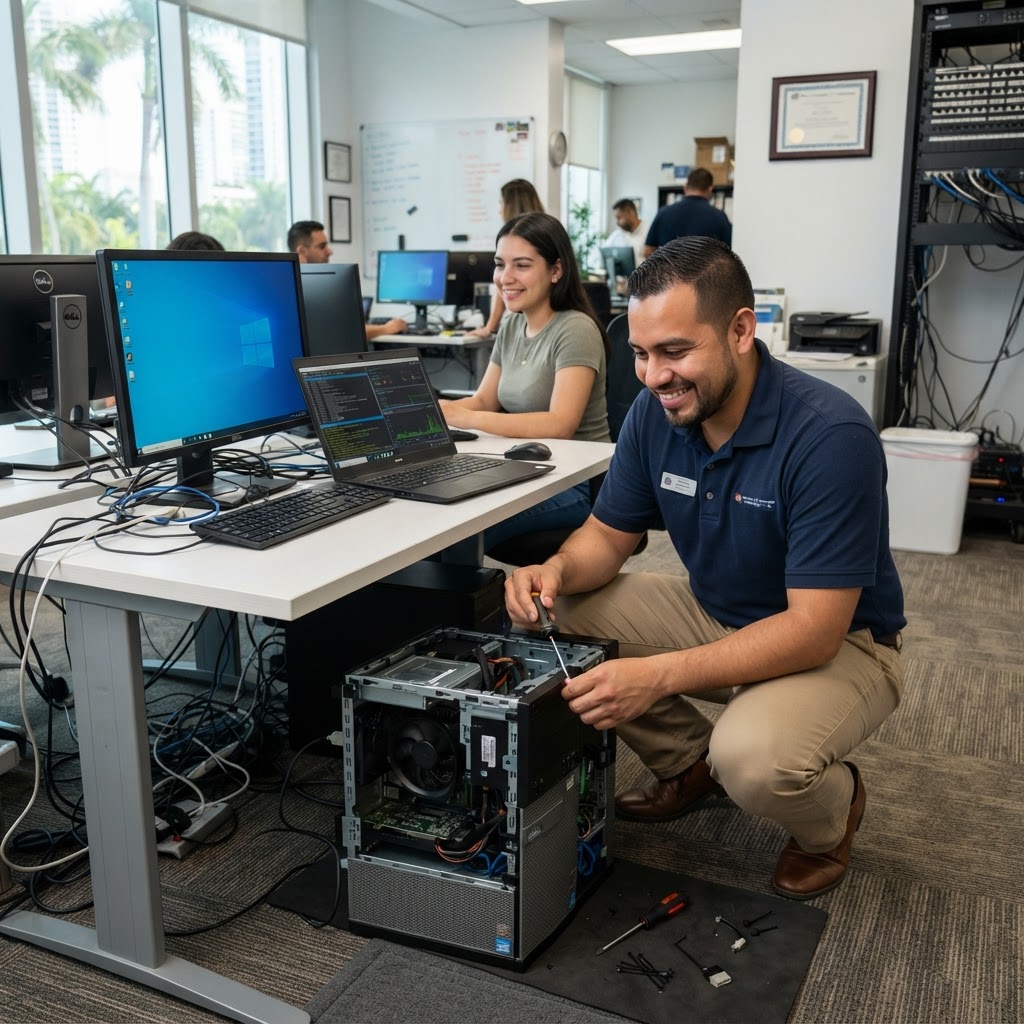
Something breaks → you call someone → they fix it. No documentation, no monitoring, no prevention. The most expensive model over time.
Level 2: Managed IT with Helpdesk
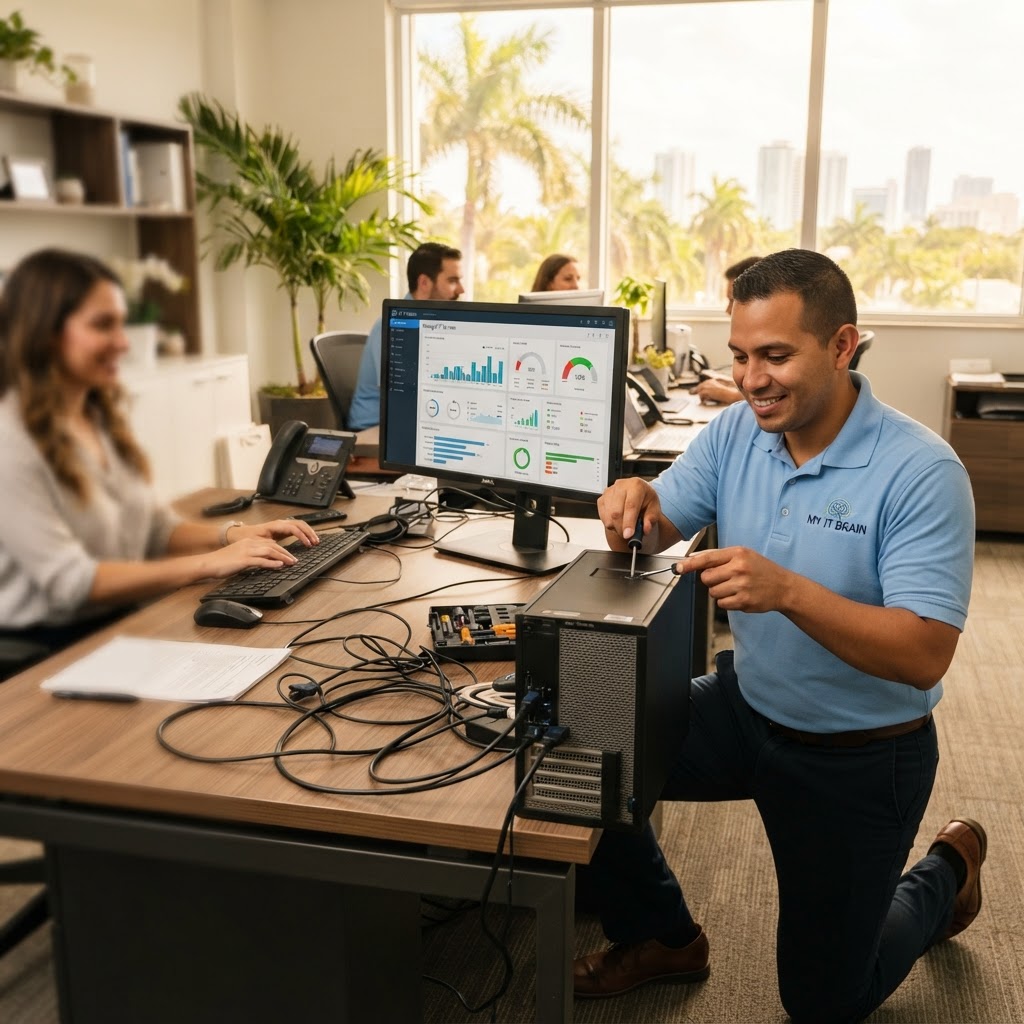
Proactive monitoring, documented environment, ticketed support with SLAs. Faster resolution, lower cost per incident, predictable monthly pricing.
Level 3: Proactive + Automated IT
AI-assisted ticket triage, automated remediation, self-service portal. Issues are caught and resolved before users notice. Highest employee satisfaction.
Most South Florida SMBs currently sit at Level 1–2. The opportunity is significant.
Key IT Helpdesk Metrics to Track
First Response Time
How quickly does a ticket get acknowledged? Best practice: under 1 hour for standard issues, under 15 minutes for critical issues.
Mean Time to Resolution (MTTR)
How long from ticket open to ticket closed? Track this by priority level. Critical issues (server down, breach) should target under 4 hours.
First Contact Resolution (FCR) Rate
Percentage of issues resolved on first contact without escalation. Higher FCR = better documentation and more skilled Level 1 technicians. Target: 70%+.
Ticket Backlog and Aging
Are old tickets piling up? A growing backlog signals capacity or process problems.
Building an Effective IT Support Structure
Tiered Support Model
- Tier 1: Password resets, basic software issues, printer problems — should handle 60–70% of tickets
- Tier 2: Network issues, application configuration, device imaging — 20–30% of tickets
- Tier 3: Server/infrastructure issues, security incidents, complex troubleshooting — 5–10%
Self-Service Portal
A basic knowledge base reduces ticket volume significantly:
- Password reset instructions
- Software installation guides
- Common troubleshooting steps
- How to connect to VPN / remote desktop
Escalation Paths
Document clearly when and how tickets escalate. Nothing frustrates employees more than being bounced between technicians with no resolution ownership.
Proactive vs. Reactive IT Support
The most effective (and cost-efficient) approach catches issues before they become helpdesk tickets:
- RMM (Remote Monitoring & Management): Alerts on disk space, CPU, memory, and service failures before they cause outages
- Patch management: Automatic patching prevents security incidents and application crashes
- Endpoint health monitoring: Identify failing hardware before it fails completely
- Log analysis: Catch abnormal behavior patterns early
Measuring IT Support Satisfaction
After ticket resolution, send a simple 1-question survey: "How satisfied were you with this support interaction?" (1–5). Track over time. Below 4.0 signals process or quality issues.
MY IT BRAIN's Helpdesk Approach
Our managed IT clients get sub-1-hour average response times, 24/7 monitoring, and access to a team of certified technicians — without the overhead of a full in-house IT team. Our Business Technology Management includes unlimited helpdesk support.
Contact MY IT BRAIN to learn how we can improve IT support for your South Florida business.
Frequently Asked Questions
Ready to Upgrade Your IT?
Talk to our South Florida IT experts about your business challenges. Free consultation, no commitment.
Get a Free Consultation