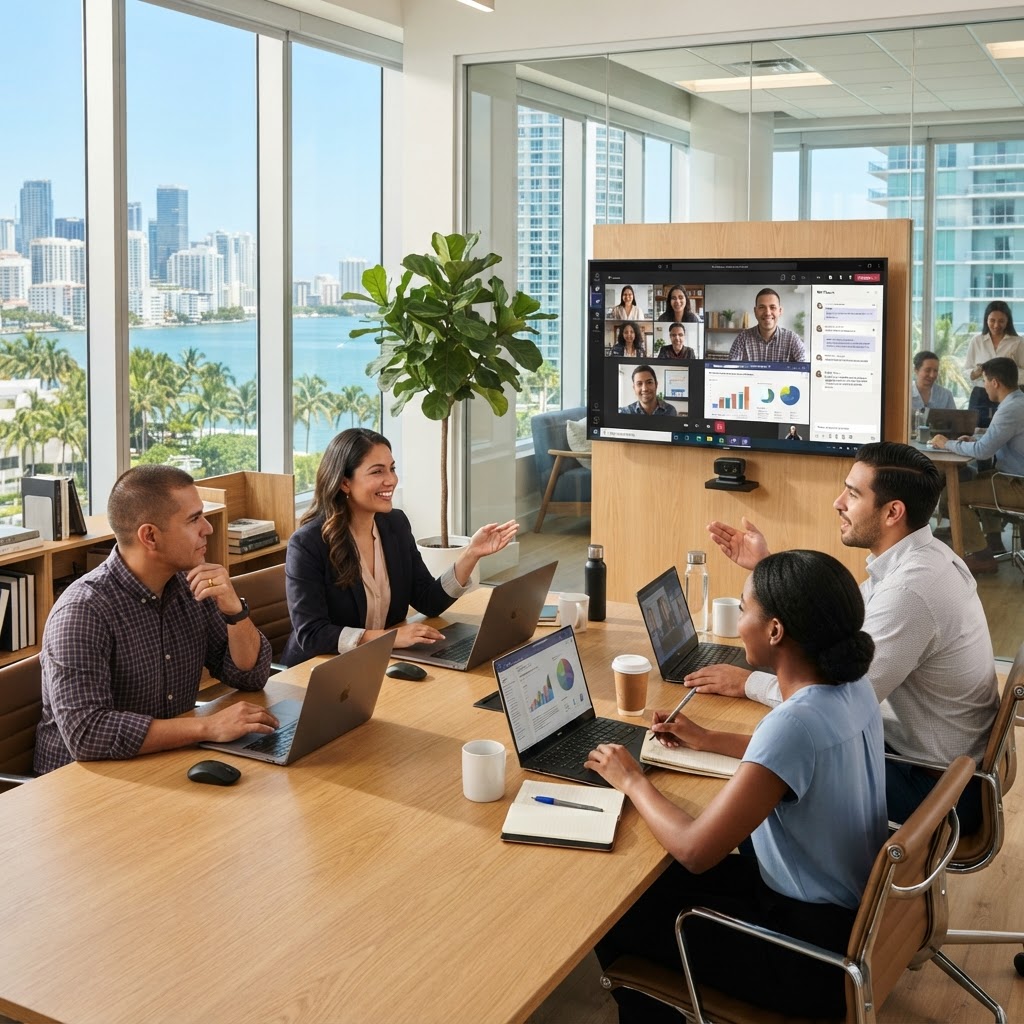
Microsoft Teams Setup Miami: 2026 Guide for South Florida SMBs
Microsoft Teams has become the communication backbone for thousands of businesses across Miami-Dade, Broward, and Palm Beach counties. Whether your team is in Doral, Downtown Miami, Fort Lauderdale, or Boca Raton, a properly configured Teams environment means faster collaboration, stronger security, and less IT friction every single day.
But here's the reality: most small and mid-sized businesses in South Florida go live with Teams in a hurry — and pay for it later. Misconfigured permissions, missing security baselines, poor call quality, and no governance policy are all common issues we see when new clients come to MY IT BRAIN after a DIY deployment.
This 2026 guide walks you through everything a Miami-area SMB needs to know about deploying Microsoft Teams the right way.
Why Teams Setup Matters More Than Ever in 2026
Microsoft Teams is no longer just a chat app. It's a phone system, a video conferencing platform, a file collaboration hub, and increasingly an AI-powered productivity tool through Microsoft Copilot. According to Microsoft's 2025 Work Trend Index (opens in a new tab), over 320 million people use Teams globally — and businesses that deploy it strategically see measurably better collaboration outcomes.
For South Florida businesses, the stakes are especially high. Miami's economy is driven by hospitality, finance, real estate, logistics, and healthcare — all industries where real-time communication and compliance matter. A Teams environment that isn't configured correctly can expose sensitive client data, violate industry regulations, and create daily friction for your staff.
Step 1: Lay the Foundation — Tenant and Identity Configuration
Before anyone sends a single message, your Microsoft 365 tenant needs to be properly configured. This includes:
- Domain verification — linking your business domain (e.g., yourbusiness.com) to your Microsoft 365 tenant
- Azure Active Directory (Entra ID) setup — creating a clean user directory with role-based access
- Multi-Factor Authentication (MFA) — enabling MFA for every user is a non-negotiable security baseline in 2026
- Conditional Access Policies — restricting logins by device compliance, location, or risk level
The NIST Cybersecurity Framework (opens in a new tab) emphasizes identity management as a foundational security control. Skipping this step is one of the most common and costly mistakes we see with Teams deployments in Miami businesses.
Our Business Technology Management service includes full Microsoft 365 tenant hardening as part of every Teams deployment we handle.
Step 2: Teams Policies and Governance
One of the most overlooked aspects of Teams setup is governance — the rules that control how your organization uses Teams. Without a governance plan, you end up with:
- Dozens of redundant Teams and channels no one manages
- Sensitive files shared in the wrong channels
- Former employees still showing up in active Teams
- No naming conventions, making it impossible to find anything
Key Governance Settings to Configure
- Teams creation policy — Limit who can create new Teams (usually IT admins or department heads)
- Guest access controls — Define what external users can see, share, and do
- Expiration policies — Automatically flag inactive Teams for review or deletion
- Retention policies — Required for industries like finance, legal, and healthcare in Florida
- Naming conventions — Use prefixes like DEPT-, PROJECT-, or CLIENT- to keep things organized
Governance isn't exciting, but it's the difference between a Teams environment that scales cleanly and one that becomes a digital mess within six months.
Step 3: Deploying Teams Phone in Miami
If your South Florida business wants to replace a traditional phone system with Teams, you have two primary options in 2026:
- Microsoft Teams Phone with Calling Plan — Microsoft handles the PSTN (public telephone network) carrier
- Teams Phone with Direct Routing — Connect your own SIP trunk or existing carrier through a Session Border Controller (SBC)
For many Miami SMBs, Direct Routing offers more flexibility and cost savings, especially if you already have a carrier relationship or need local Miami DID numbers.
When properly deployed, Teams Phone gives your staff a full business phone experience — desktop, mobile, and desk phone — unified in a single platform. Combined with call queues, auto-attendants, and voicemail transcription, it's a serious business phone system.
We also integrate Teams with 3CX for businesses that need advanced call center features or hybrid telephony environments. MY IT BRAIN is a certified 3CX Silver Partner, so we can design the right telephony architecture for your specific needs.
Step 4: Securing Teams for South Florida Compliance Requirements
Miami businesses operate in highly regulated industries. Healthcare providers must meet HIPAA standards. Financial firms face SEC and FINRA requirements. Law firms have strict client confidentiality obligations. Even general contractors and logistics companies are increasingly expected to demonstrate data security to enterprise clients.
For Teams specifically, security configuration includes:
- Data Loss Prevention (DLP) policies — Prevent sharing of SSNs, credit card numbers, or PHI through Teams chat or file sharing
- Information Barriers — Separate communication between departments that shouldn't share data (common in financial firms)
- eDiscovery and compliance holds — Required for legal and financial firms subject to regulatory audits
- Microsoft Defender for Office 365 — Protects against phishing links and malware shared through Teams
- Sensitivity labels — Tag and protect confidential files shared within Teams channels
Our AI Automation and Security services layer additional intelligence on top of Teams security — automatically flagging anomalous behavior, unusual file access, or suspicious login patterns in real time.
Step 5: Physical Security Integration and Smart Workplaces
As Miami businesses modernize their offices, Teams is increasingly being integrated with physical workplace systems. Microsoft Teams Rooms (MTR) turns your conference rooms into smart collaboration spaces with one-touch meeting join, automatic camera framing, and wireless content sharing.
Beyond meeting rooms, forward-thinking South Florida businesses are connecting their physical security infrastructure with their Microsoft environment. For example:
- Access control systems that log entry events visible to IT and security admins
- Visitor management integrated with Teams notifications
- Surveillance alerts routed through Teams channels for facilities teams
MY IT BRAIN installs and manages access control systems for Miami-area businesses, and we design these systems to work alongside your Microsoft 365 and Teams environment — not in a separate silo.
Step 6: Ongoing Management and Support
Teams setup isn't a one-time project. Microsoft releases updates constantly — new features, policy changes, security patches, and licensing changes happen throughout the year. Without someone actively managing your Teams environment, configuration drift is almost inevitable.
Ongoing Teams management should include:
- Monthly license reviews — Make sure you're not paying for unused seats
- User offboarding — Immediately removing access when employees leave
- Policy audits — Verifying DLP, conditional access, and guest access settings are still correct
- Call quality monitoring — Reviewing Teams call analytics to catch audio/video issues before users complain
- Help desk support — Fast answers for staff who can't get into a meeting or set up their Teams Phone
As your managed IT partner, MY IT BRAIN provides all of this under a flat monthly fee. South Florida businesses get enterprise-grade IT management without the overhead of an internal IT department.
Common Teams Setup Mistakes Miami Businesses Make
Before wrapping up, here are the most frequent mistakes we fix when taking over a Teams environment from a DIY deployment or a less experienced IT provider:
- No MFA enforced — leaving the environment wide open to credential attacks
- Default guest access left on — allowing anyone with a link to join channels
- No DLP policies — sensitive data shared freely in chat
- All users can create Teams — resulting in 50+ orphaned Teams within months
- No direct routing quality testing — Teams Phone calls drop or have poor audio
- Licenses over-purchased — paying for E3 when E1 or Business Premium is sufficient
Avoiding these mistakes from day one saves significant time and cost — and protects your business from security incidents that are completely preventable.
Get Expert Teams Setup in Miami with MY IT BRAIN
MY IT BRAIN is based in Doral and serves businesses across all of South Florida — from Homestead to West Palm Beach. We've helped dozens of local SMBs deploy Microsoft Teams properly, integrate it with their phone systems and physical security infrastructure, and keep it running securely year after year.
If you're planning a Teams deployment, migrating from another platform, or inheriting a misconfigured environment, we're ready to help.
Contact MY IT BRAIN today to schedule a free Teams assessment for your Miami-area business. We'll review your current setup, identify gaps, and give you a clear path forward — no pressure, no jargon.
Frequently Asked Questions
Ready to Upgrade Your IT?
Talk to our South Florida IT experts about your business challenges. Free consultation, no commitment.
Get a Free Consultation