Your Server Room Is More Important Than You Think
For South Florida businesses that still run on-premise infrastructure, the server room (or IT closet) is the physical heart of your technology operations. A poorly designed or maintained server room is a ticking clock — and in Miami's heat and humidity, the clock ticks faster.
This guide covers the key elements of a well-designed, maintained server room for Miami small and mid-size businesses.
Temperature and Cooling
Server equipment generates significant heat. Operating temperatures above 80°F (27°C) dramatically reduce component lifespan and increase failure rates.
Best practices:
- Maintain server room temperature at 65–75°F (18–24°C) consistently
- Use a dedicated precision cooling unit (CRAC) for rooms with significant equipment
- For smaller IT closets, a split air conditioning unit sized for the heat load
- Temperature monitoring with automated alerts (alert when above 78°F)
- Never use residential window units — they lack the precision and reliability required
Miami-specific concern: If your main AC fails during a South Florida summer, server room temperatures can exceed 100°F within hours. Redundant cooling or temperature monitoring with an escalation plan is essential.
Power Protection
Uninterruptible Power Supplies (UPS)
Every server, switch, and storage device should be protected by a UPS:
- Protects against surges, brownouts, and brief outages
- Provides runtime for graceful shutdown during extended outages
- APC and Eaton are the standard vendors
Size your UPS for 1.5× your current load to allow for growth and to avoid running at capacity.
Grounding and Power Conditioning
Florida's lightning frequency is among the highest in the US. Proper grounding and surge protection at the panel protects against transient damage.
Generator Connection
For critical operations, connect your IT room to generator power (or install a dedicated UPS with extended battery time).
Physical Security
Your server room should be a secured, access-controlled space:
- Lock: Keyed, keycard, or PIN access — document who has access
- Camera: Surveillance camera inside the room for access audit
- Access log: Cloud-managed access control creates an audit trail
- No general storage: Server rooms fill with random equipment over time — keep them clean
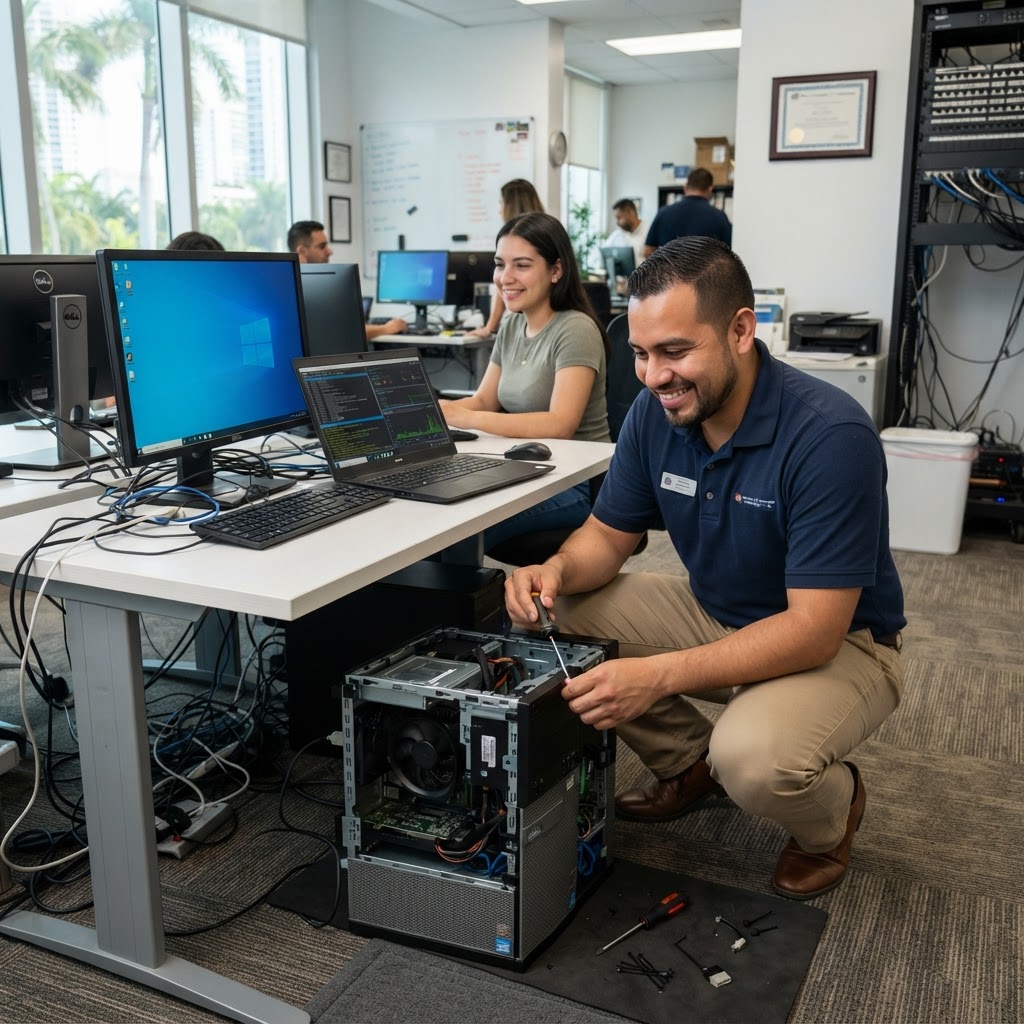
Cable Management
Disorganized cabling creates maintenance nightmares:
- Label every cable at both ends
- Use color-coded patch cords by function (blue: data, red: management, yellow: storage)
- Patch panels for structured cabling connections
- Horizontal and vertical cable managers in rack
- Maintain 1U of free space per 10U of equipment for airflow
Fire Suppression
For larger server rooms, consider:
- Clean agent fire suppression (FM-200 or Novec 1230) — suppresses fire without water damage
- Smoke and heat detection tied to monitoring system
- Never rely solely on standard sprinklers in a server room
Documentation
Every server room should have current documentation:
- Rack diagram (what's in every U-position)
- IP address and hostname inventory
- Power circuit map (what's on which breaker/UPS outlet)
- Cable schedule
- Emergency contacts for every piece of equipment
This documentation saves hours during incidents and is essential for any technician working in your environment.
Regular Maintenance Schedule
- Monthly: Check UPS battery status, review temperature logs, clean dust filters
- Quarterly: Test UPS under load, review and update documentation, audit access log
- Annually: Full infrastructure review, UPS battery replacement if needed, cooling unit service
MY IT BRAIN's Infrastructure Services
We design, build, and maintain server rooms and IT infrastructure for businesses throughout South Florida. Our Business Technology Management includes proactive infrastructure monitoring and regular maintenance.
Contact MY IT BRAIN for a free server room assessment.
Frequently Asked Questions
Ready to Upgrade Your IT?
Talk to our South Florida IT experts about your business challenges. Free consultation, no commitment.
Get a Free Consultation