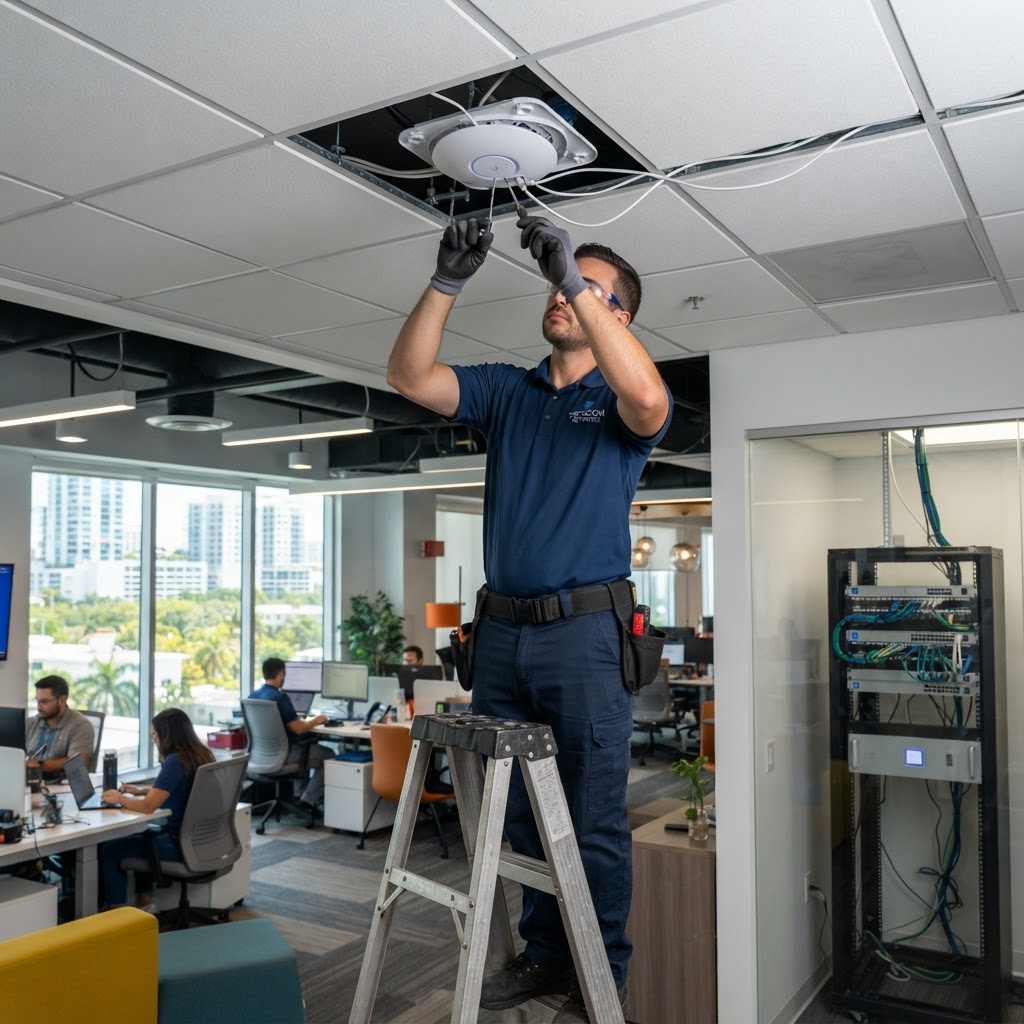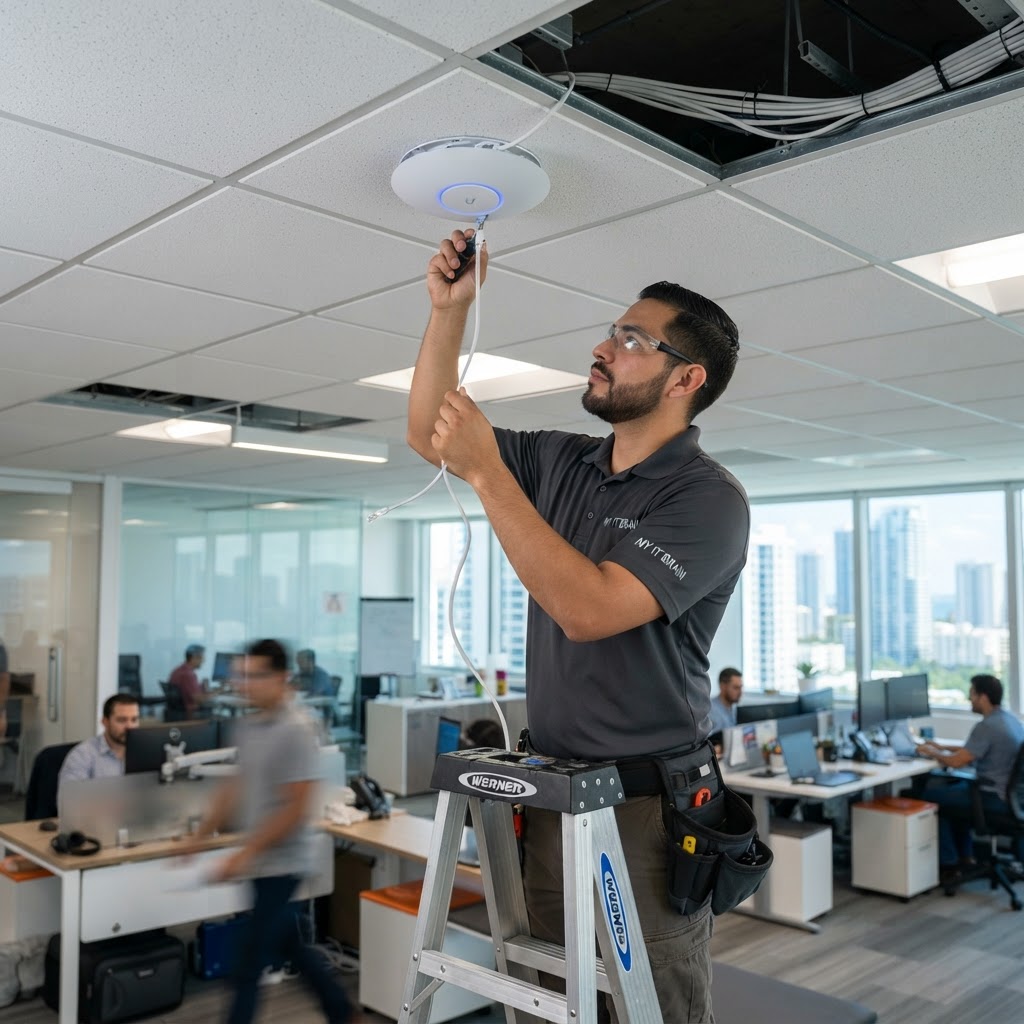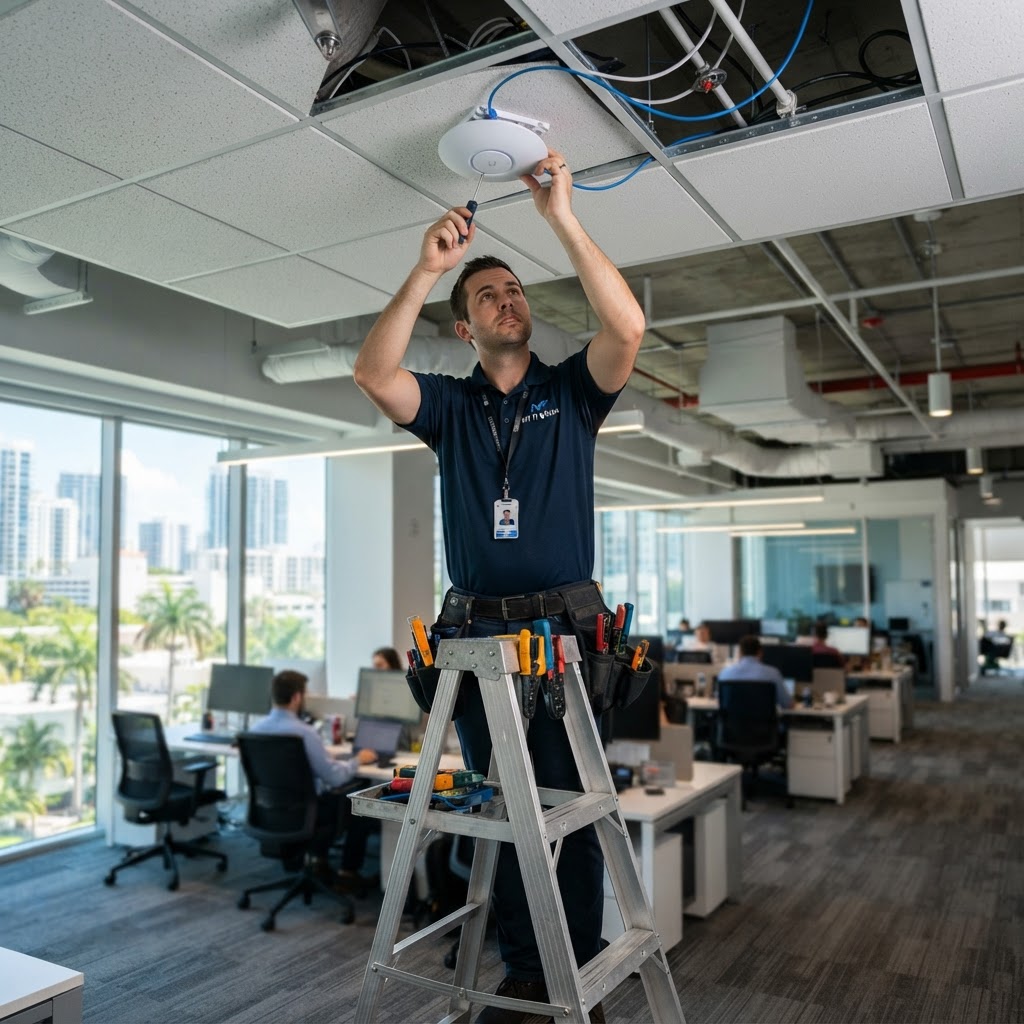
The Foundation of Your Network Is Physical
Every business conversation about WiFi performance, network speed, and reliability eventually comes back to the same foundation: the physical cabling infrastructure. No matter how good your switches, access points, or firewall are, poor cabling creates bottlenecks, interference, and failures that software cannot fix.
For Miami commercial buildings, office fit-outs, and technology refreshes, structured cabling is the critical first investment that everything else depends on.
What Is Structured Cabling?
Structured cabling is a standardized system of cabling and connectivity products that create a comprehensive telecommunications infrastructure. Rather than running point-to-point cables for each device, structured cabling creates a hierarchical, organized system:
- Horizontal cabling: From distribution points to individual work area outlets
- Backbone cabling: Connecting telecommunications rooms between floors
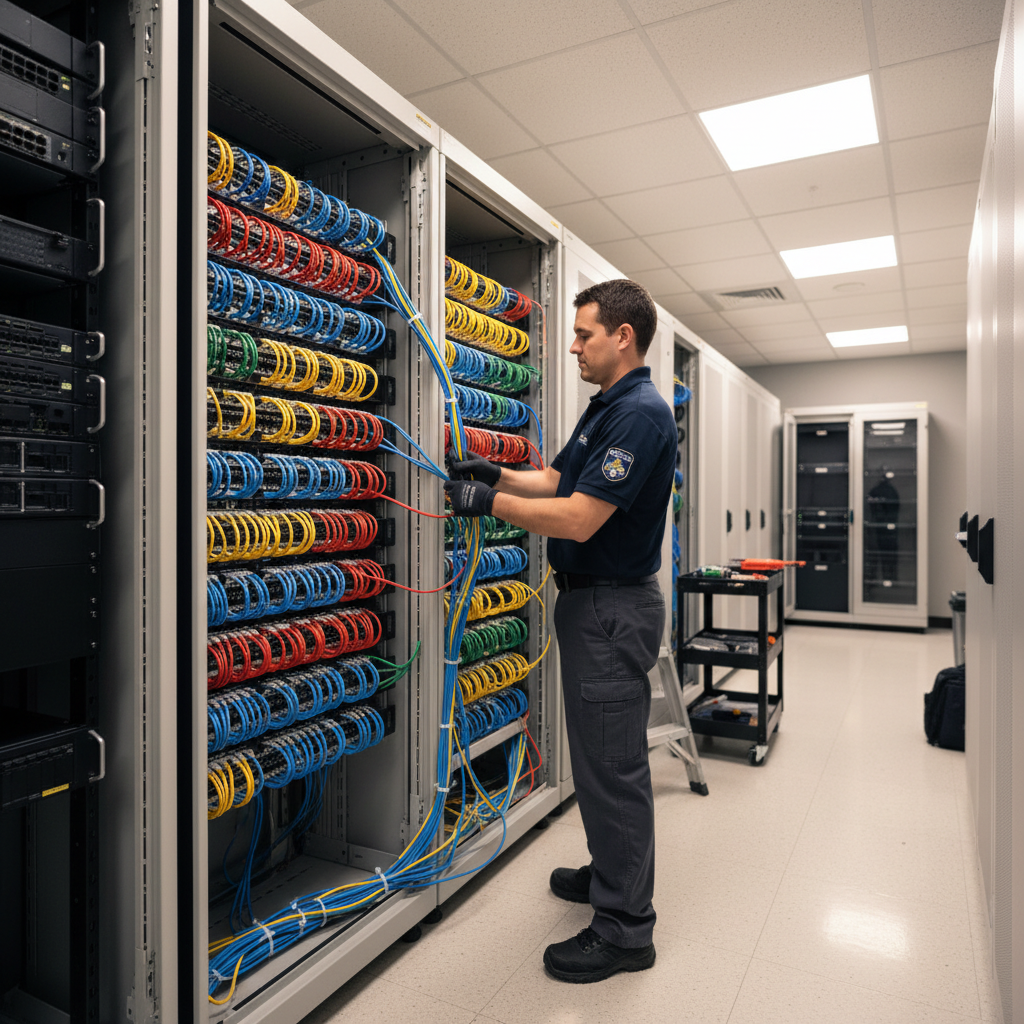
- Telecommunications rooms (TR): Centralized patch panel and equipment locations
- Work area components: Wall jacks, patch panels, and patch cords
Cable Categories: What's Right for Your Office?
Cat6 — The Current Standard
Cat6 supports 1 Gbps at 100m and 10 Gbps at distances up to 55m. It's the right choice for most office deployments and supports PoE+ for access points and IP cameras.
Cat6A — Future-Proofing for High-Density Environments
Cat6A supports 10 Gbps at 100m and handles higher PoE power loads (PoE++ for 90W devices). Recommended for:
- High-density wireless environments
- Video surveillance systems
- New construction with a 15+ year horizon
- Data centers and server rooms
Fiber Optic — Backbone and Long Runs
For runs exceeding 100m, between buildings, or backbone applications, fiber is the only choice. Single-mode fiber supports multi-mile runs; multi-mode is sufficient for campus and inter-floor applications.
Planning Your Cabling Infrastructure
Capacity Planning
A common mistake is installing just enough for today's needs. Plan for 25–50% growth:
- More work area outlets than current headcount
- Spare capacity in the TR for future equipment
- Conduit for future cable pulls
Pathway Planning
Map cable routes from TRs to work areas. Consider:
- Cable trays vs. conduit vs. open plenum runs
- Separation from electrical runs (minimum 12" for parallel runs)
- Access for future changes
Documentation
Every port should be labeled at both ends. Maintain a cabling schedule showing what's connected where. This saves hours of troubleshooting later.
Testing and Certification
All professionally installed cabling should be tested and certified with a dedicated cable tester (Fluke DTX or similar). Testing verifies:
- Wire map (correct pin-to-pin continuity)
- Length
- Insertion loss
- Near-end crosstalk (NEXT)
- Return loss
Insist on a certified test report for every run — it proves the installation meets specification and protects you if performance issues arise.
Common Structured Cabling Mistakes in Miami Builds
- Using Cat5e instead of Cat6 — false economy that limits future options
- No conduit — impossible to pull additional cables later without major disruption
- Insufficient outlet density — 1 outlet per desk is never enough (desk phone + PC + dock)
- Improper cable management — disorganized TRs cause maintenance nightmares
- No test documentation — you can't verify what you don't measure
MY IT BRAIN's Cabling Practice
We design and install structured cabling systems for commercial offices, retail spaces, hospitality properties, and mixed-use buildings throughout South Florida. Our Network Infrastructure practice includes structured cabling, fiber, and complete network design.
Contact MY IT BRAIN for a free cabling consultation.
Frequently Asked Questions
Ready to Upgrade Your IT?
Talk to our South Florida IT experts about your business challenges. Free consultation, no commitment.
Get a Free Consultation