Remote Work Is Now a Permanent Fixture
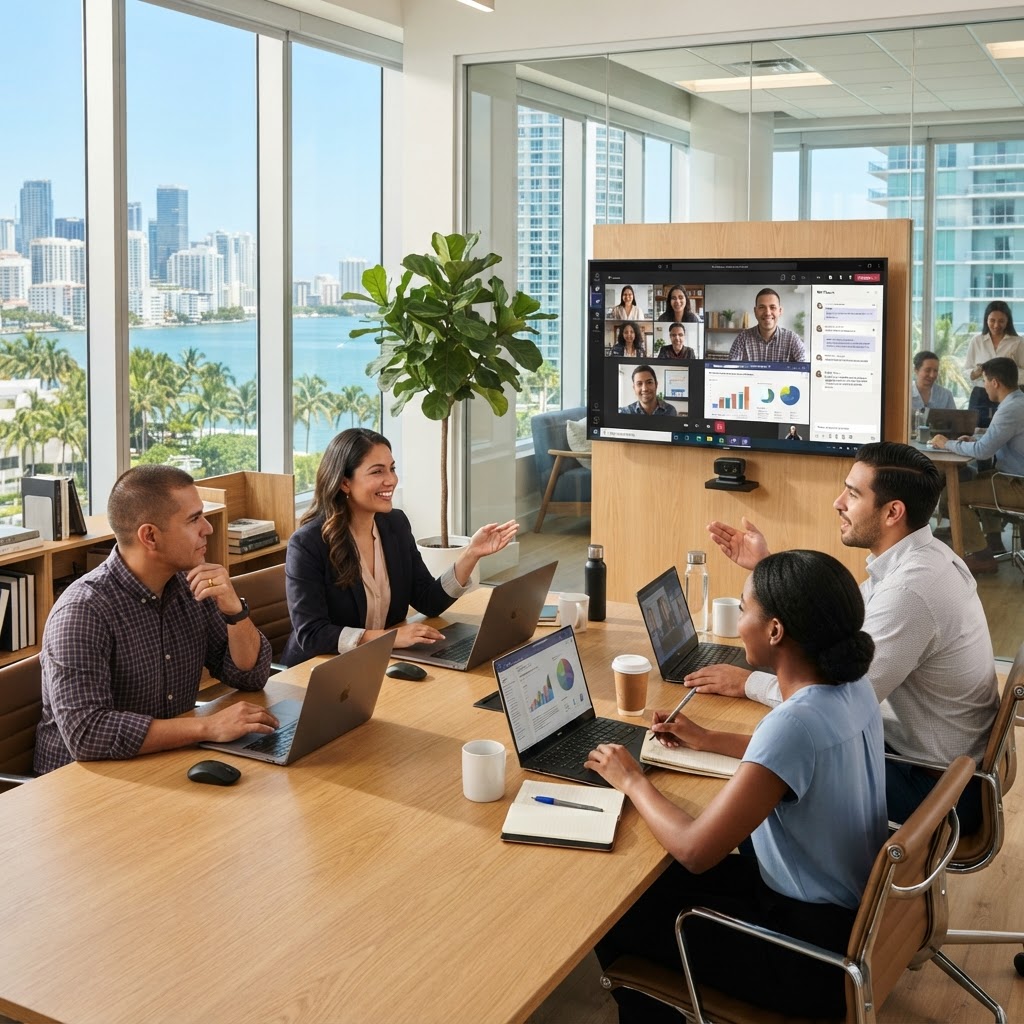
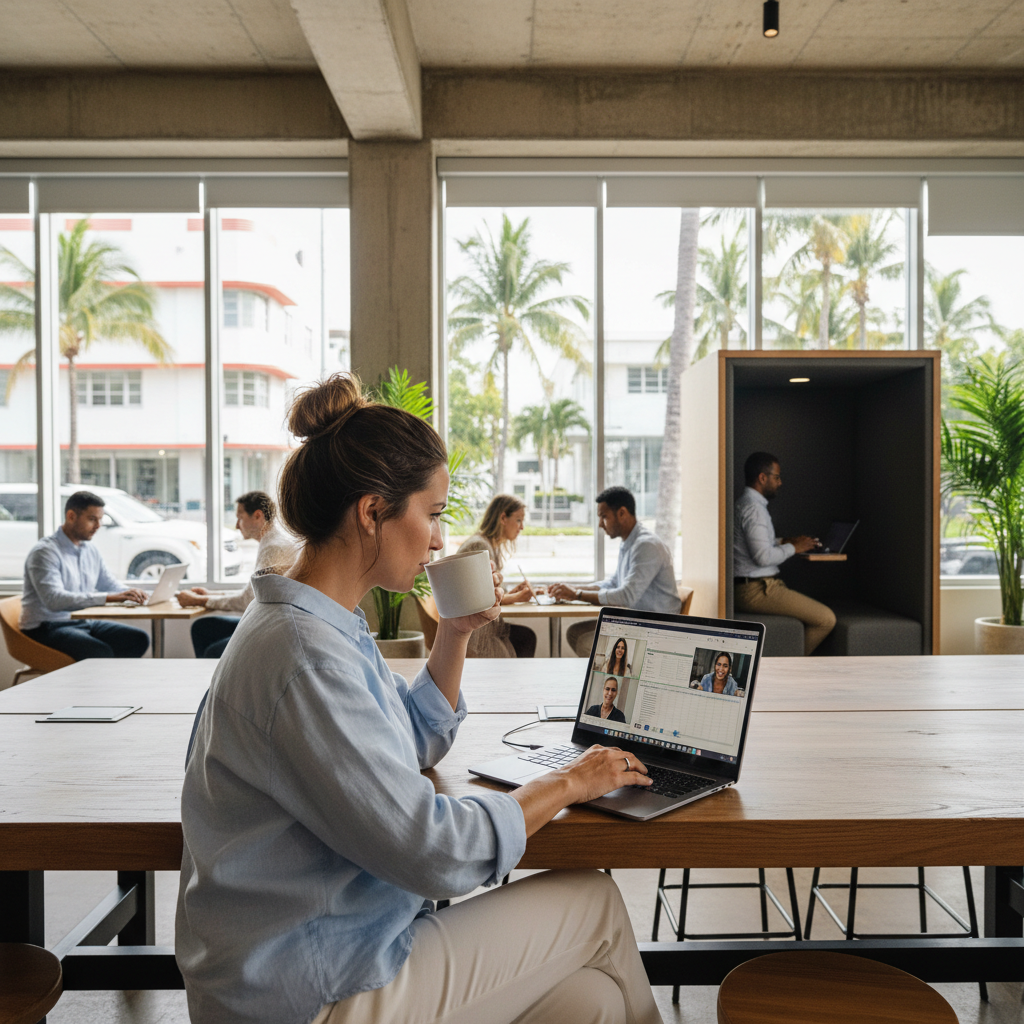
The shift to hybrid and remote work has permanently changed how South Florida businesses operate. Whether your team works from home, co-working spaces, or client sites across Miami-Dade and Broward, your technology infrastructure must enable them to work as effectively as they would in the office.
But many Miami SMBs built their remote work stack hastily during 2020 and never revisited it. The result: security gaps, productivity friction, and IT complexity that drags on the business.
This guide covers the complete technology stack for secure, productive remote and hybrid work.
The Remote Work Technology Stack
1. Identity and Access: Microsoft Entra ID (Azure AD)
Cloud identity is the foundation of secure remote work. Every user, device, and application should authenticate through a centralized identity provider. Microsoft Entra ID (formerly Azure Active Directory) provides:
- Single sign-on (SSO) across all applications
- Multi-factor authentication (MFA)
- Conditional access policies (block access from untrusted locations)
- Self-service password reset
2. Devices: Managed and Encrypted
Company devices should be enrolled in a Mobile Device Management (MDM) solution — Microsoft Intune is the standard for Microsoft 365 environments. MDM ensures:
- Devices are encrypted (BitLocker/FileVault)
- Security policies are enforced (screen lock, password complexity)
- Remote wipe capability for lost or stolen devices
- Software updates are applied automatically
3. Communication: Microsoft Teams
Microsoft Teams is the unified hub for remote team communication:
- Chat (individual and group)
- Video meetings with recording
- File collaboration (SharePoint and OneDrive integrated)
- Phone calls (with Microsoft Teams Phone or 3CX VoIP integration)
4. File Access: SharePoint and OneDrive
Files should never live only on local hard drives. SharePoint and OneDrive provide:
- Access from any device, anywhere
- Version history and recovery
- Granular sharing controls
- Co-authoring on documents in real time
5. Secure Remote Access: Conditional Access or VPN
For applications not yet in the cloud, provide secure remote access:
- Conditional Access (preferred): Azure AD enforces access policies without VPN overhead
- VPN: Traditional approach for on-premise resource access; use split-tunneling
- Zero Trust Network Access (ZTNA): Next-generation approach verifying every access request
6. Endpoint Security for Remote Devices
Remote devices face higher risk outside the corporate network perimeter. Deploy:
- Microsoft Defender for Business: EDR included with M365 Business Premium
- DNS filtering: Block malicious domains on any network (Cisco Umbrella, Cloudflare Gateway)
- Email security: Advanced anti-phishing and malware filtering
Remote Work Security Best Practices
- MFA on everything: Non-negotiable for remote access
- No personal devices for work (or MDM enrollment required)
- VPN for sensitive work on public WiFi
- Regular security awareness training — remote workers are higher-value phishing targets
- Disable USB ports or require encryption for external drives
Internet Connectivity for Remote Workers
Help employees optimize their home network:
- Business-grade internet (fiber preferred) for video-heavy roles
- Dedicated WiFi band for work devices
- Backup LTE hotspot for critical roles (network failover)
MY IT BRAIN's Remote Work Solutions
We help South Florida businesses build and support complete remote work environments — from Microsoft 365 deployment to endpoint security and remote support. Our Business Technology Management includes proactive monitoring of all remote endpoints.
Contact MY IT BRAIN for a free remote work readiness assessment.
Frequently Asked Questions
Ready to Upgrade Your IT?
Talk to our South Florida IT experts about your business challenges. Free consultation, no commitment.
Get a Free Consultation